Review with an agent
The Hunk window stays with you. Your agent uses non-interactive hunk session commands from another terminal to inspect the same review, navigate it, and leave inline notes.
Install the review skill
Section titled “Install the review skill”The hunk-review skill teaches your agent the session commands. Install it once with the skills CLI:
npx skills add modem-dev/hunk -g --skill hunk-reviewThe installed skill is a small pointer that runs hunk skill show, so the instructions your agent reads always match the Hunk version on your PATH. Add -a <agent> (for example -a claude-code) to install it for a single agent.
If your agent has no skill system, ask it to run hunk skill show and follow the output. See Hunk review skill for other ways to load it.
Start the review
Section titled “Start the review”hunk diffKeep that window open. Normal Hunk sessions register with a local loopback daemon so the session CLI can find them.
Ask the agent to review
Section titled “Ask the agent to review”In your agent, ask for the review:
Use the hunk-review skill to walk me through the changes in my open Hunk session.The skill tells agents not to launch the interactive TUI themselves. A typical agent flow is:
hunk session listhunk session get --repo .hunk session review --repo . --jsonhunk session navigate --repo . --file src/App.tsx --hunk 2hunk session comment add --repo . --file src/App.tsx --new-line 42 --summary "Check this boundary" --focusreview --json exposes structure without forcing the full patch into agent context. The agent should request --include-patch only when it actually needs raw unified diff text.
See the agent's notes
Section titled “See the agent's notes”Agent notes are hidden until you turn them on. Press a to show or hide them, or launch with --agent-notes (or set agent_notes = true in your config) to show them from the start. When the agent adds a note with --focus, Hunk jumps to it and turns agent notes on for you.
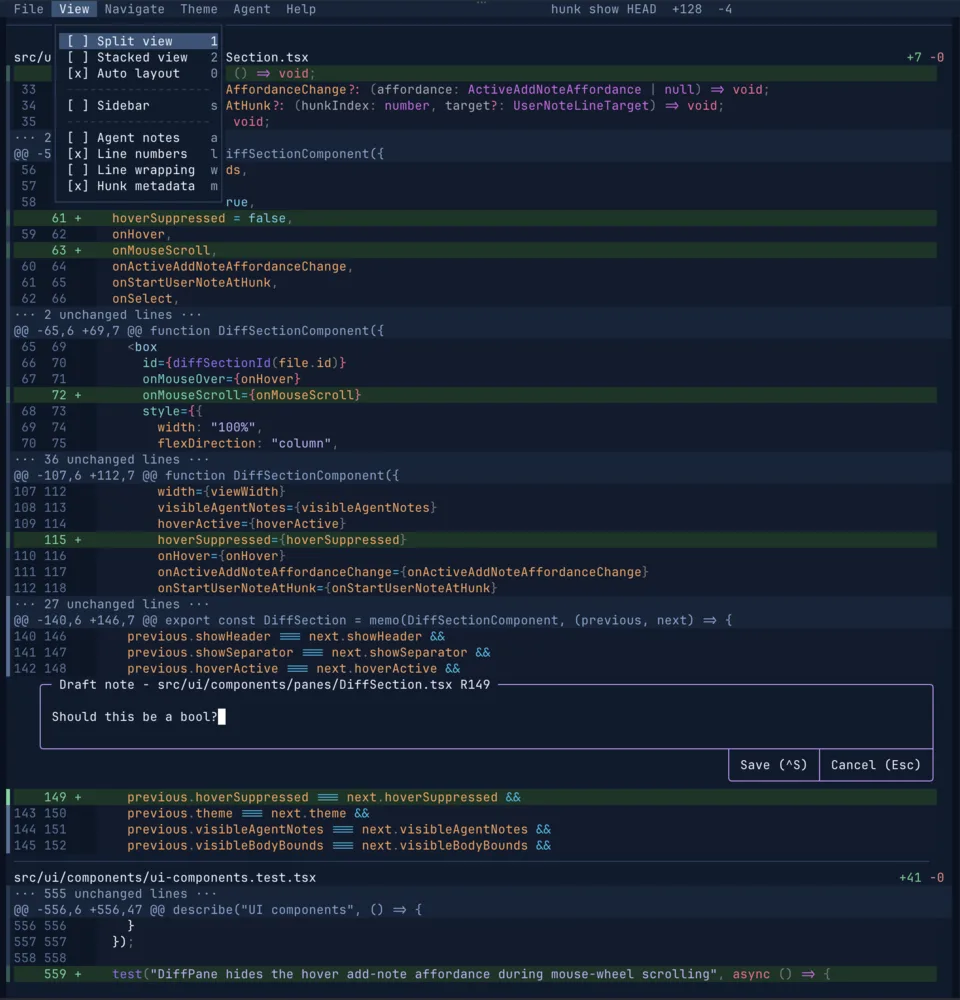
Agent notes stay attached to the code they explain. Press { and } to move between annotated hunks while keeping the full changeset visible.
Keep control
Section titled “Keep control”The agent can move the visible selection and add notes, but you stay in the review stream and can navigate normally. Ask it to summarize when finished, then walk the annotated hunks with { and }.
To hand questions back to the agent, leave your own notes with c; see Comments and annotations.
Give the agent the docs
Section titled “Give the agent the docs”These docs are published as plain Markdown so an agent can read them without scraping HTML:
- /llms.txt: an index of every page, for pulling only what is needed.
- /llms-small.txt: a compact corpus for tight context budgets.
- /llms-full.txt: every page and the full changelog in one file.
Any docs page URL also returns its Markdown source with .md appended, so https://hunk.dev/docs/reference/cli.md is the CLI reference as the agent should read it.